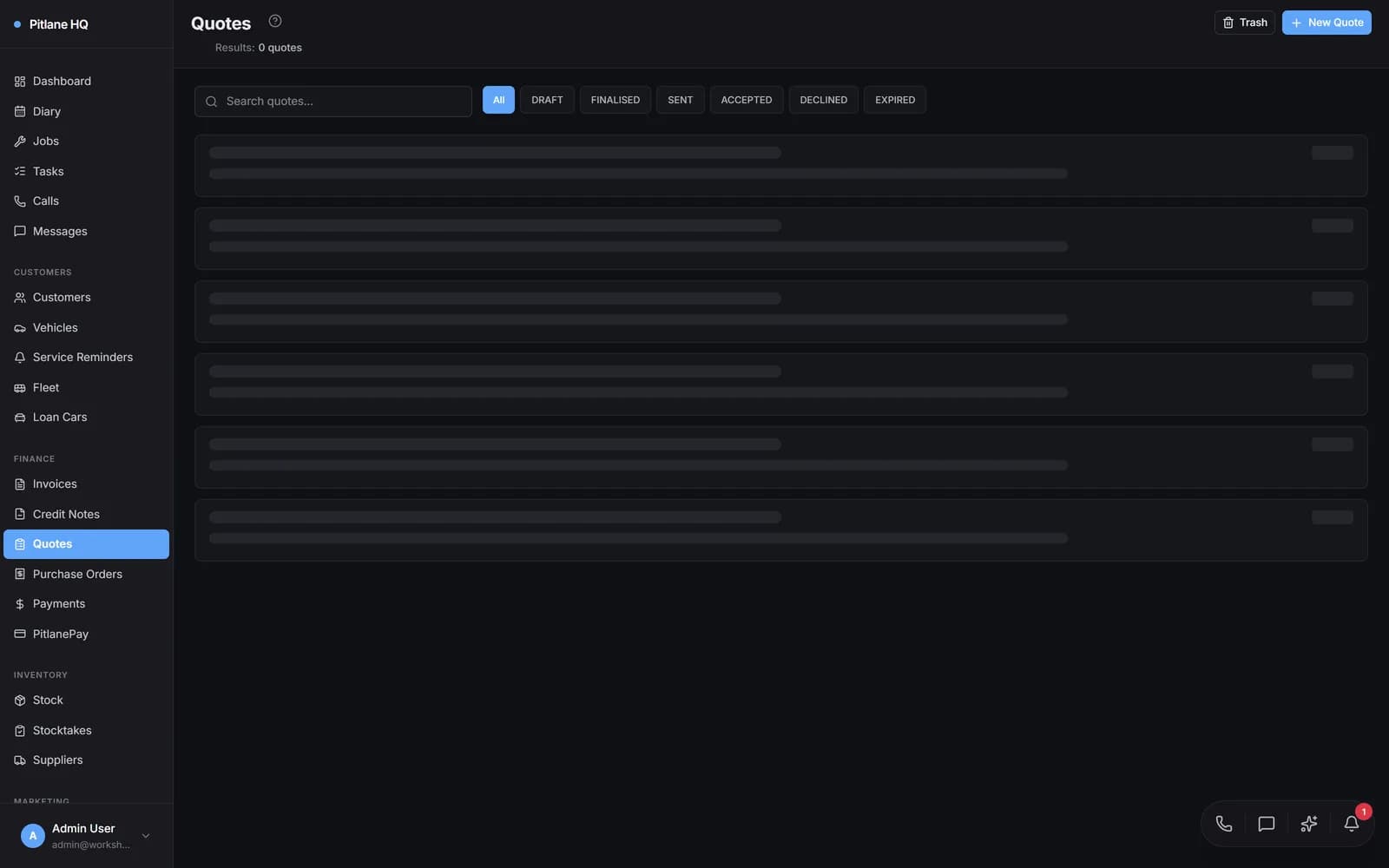
Win More Work With Professional Quotes
Create professional quotes with line items, convert to bookings with one click, and get SMS approvals from customers.
| Labour -- Front Brake Service | 1.5 hrs | $180.00 |
| Brake Pads -- DB1262 (Front) | 1 set | $89.00 |
| Brake Rotors -- DBA2340 (Front pair) | 1 pair | $210.00 |
THE CHALLENGE
Sound Familiar?
The Problem
- Handwritten quotes look unprofessional and make your workshop seem behind the times
- Creating quotes takes too long because every line item has to be typed from scratch
- Customers receive the quote but there is no easy way for them to approve or decline it
- Accepted quotes have to be manually re-entered as jobs — details get lost in translation
The Solution
- Professional PDF quotes with your branding, ABN, and itemised breakdown build instant trust
- Pull parts and labour from your stock inventory — prices and descriptions auto-populate
- Send quotes via email or SMS with a one-tap approval link that customers can accept from their phone
- Convert accepted quotes to bookings and jobs with one click — all line items carry through automatically
FEATURES
Everything You Need
Quote Builder
Build detailed quotes with labour, parts, and notes. Pull items from your stock inventory with automatic pricing. Subtotals, GST, and totals calculate in real time.
PDF Generation
Professional PDF quotes with your workshop logo, ABN, payment terms, and full line item detail. Ready to print or email.
Email and SMS Delivery
Send quotes directly to customers via email or SMS. The SMS includes a secure link to view and approve the quote online.
Status Tracking
Follow every quote through its lifecycle — Draft, Sent, Accepted, Declined, and Expired. Filter and search by status at a glance.
Convert to Booking
One click turns an accepted quote into a calendar booking. The customer, vehicle, and service details carry across automatically.
Line Items from Stock
Search your stock inventory and add parts directly to the quote. Prices, descriptions, and supplier info populate automatically.
Customer Approval Portal
Customers receive a branded portal link to review, approve, or decline quotes from any device. Simple and mobile-friendly.
Description Sync
Quote descriptions flow through to bookings, jobs, and invoices. Enter the service description once and it appears everywhere.
HOW IT WORKS
From Start to Finish
Create a Quote
Start a new quote from the quotes list or directly from a customer record. Select the customer and vehicle, then add a service description.
Add Line Items
Pull parts and labour from your stock inventory. Prices, descriptions, and quantities populate automatically. Add notes for the customer.
Send to Customer
Email the quote as a professional PDF or send an SMS with a secure approval link. The customer can review the full breakdown on any device.
Customer Accepts
The customer taps "Approve" on the online portal or replies to the SMS. The quote status updates to Accepted and your team is notified.
Convert to Booking and Job
Click "Convert to Booking" to add it to your diary. When the booking starts, PitlaneHQ creates the job with all quoted line items pre-filled on the invoice.
COMPARE
Why PitlaneHQ?
| Feature | PitlaneHQ | Spreadsheets | Other Software |
|---|---|---|---|
| Professional PDF quotes with branding | |||
| Email and SMS delivery | |||
| Customer online approval portal | |||
| One-click quote to booking conversion | |||
| Line items from stock with auto-pricing | |||
| Quote status tracking (Draft to Expired) | |||
| Description syncs to job and invoice | |||
| Sequential numbering with site prefixes | |||
| Quoted line items pre-fill on job invoice | |||
| Soft delete with trash and restore |
USE CASES
Real Workshop Scenarios
Quick On-Site Quotes
The Challenge
A mobile mechanic needed to provide quotes on the spot but was writing them by hand. Customers questioned the professionalism and accuracy.
The Solution
Creates quotes on a tablet using PitlaneHQ. Parts pull from the stock inventory with real prices. The PDF quote is emailed before leaving the customer site.
The Result
Quote acceptance rate increased from 55% to 78%. Customers trust itemised professional quotes more than handwritten estimates.
Fleet Bulk Quoting
The Challenge
A fleet manager needed quotes for 20+ vehicles at once. Creating individual quotes was painfully slow and error-prone.
The Solution
Uses PitlaneHQ to create quotes per vehicle with stock items and labour rates pre-configured. Each quote is sent directly to the fleet manager for batch approval.
The Result
Quoting time for a 20-vehicle fleet dropped from a full day to under 2 hours. Line item consistency eliminated pricing disputes.
Insurance Breakdowns
The Challenge
Insurance quotes required extremely detailed breakdowns with specific part numbers, labour hours, and paint codes. Generic quoting tools could not handle the detail.
The Solution
PitlaneHQ quotes support unlimited line items with custom descriptions, notes, and per-item pricing. The PDF output meets insurer requirements.
The Result
Insurance approval turnaround improved from 5 days to 2 days. Detailed breakdowns reduced back-and-forth with assessors.
FAQ
Frequently Asked Questions
What Workshops Are Saying
Customer stories coming soon. We are building something workshops will love.
Ready to Streamline Your Workshop?
Join hundreds of Australian workshops already using PitlaneHQ to manage their business more efficiently.